
New The AI landing page creator is live now Discover it now

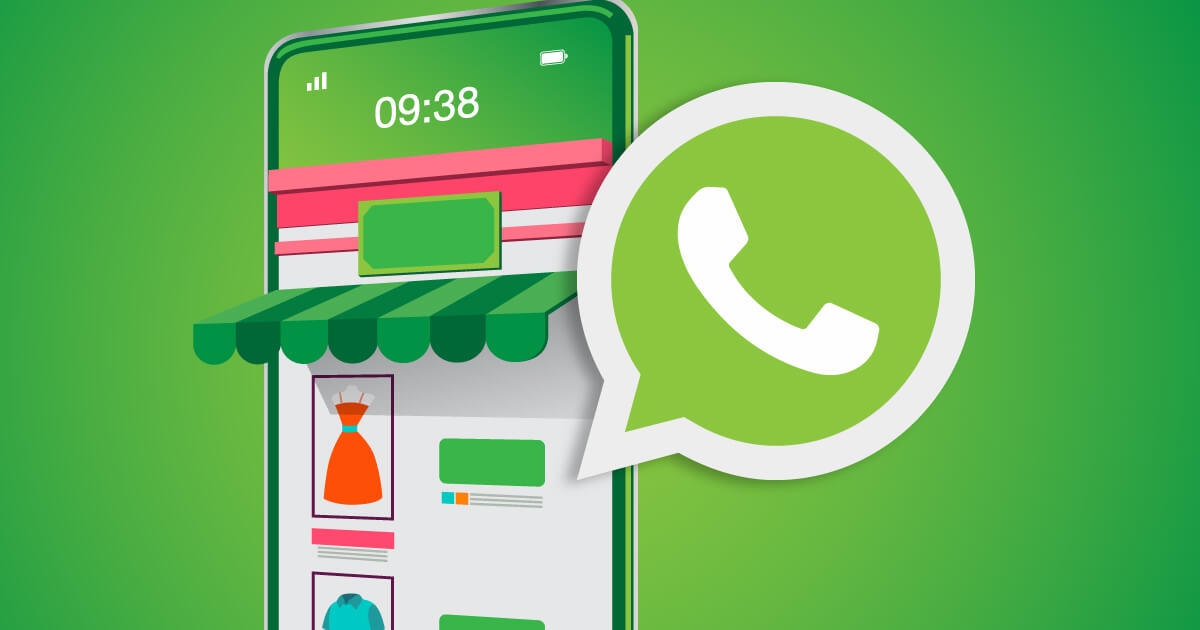
Marketing via WhatsApp with Storeino's revolutionary WhatsApp Sender app

Marketing via WhatsApp with Storeino's revolutionary WhatsApp Sender app

In the following article, we will show you how to activate and set up the WhatsApp app in the easiest way, through which you will be able to communicate with the Storeino site smoothly, pleasantly, and simply.

How to activate and set up the WhatsApp app

Log in to your user page.

Step: 1

Log in to your user page.

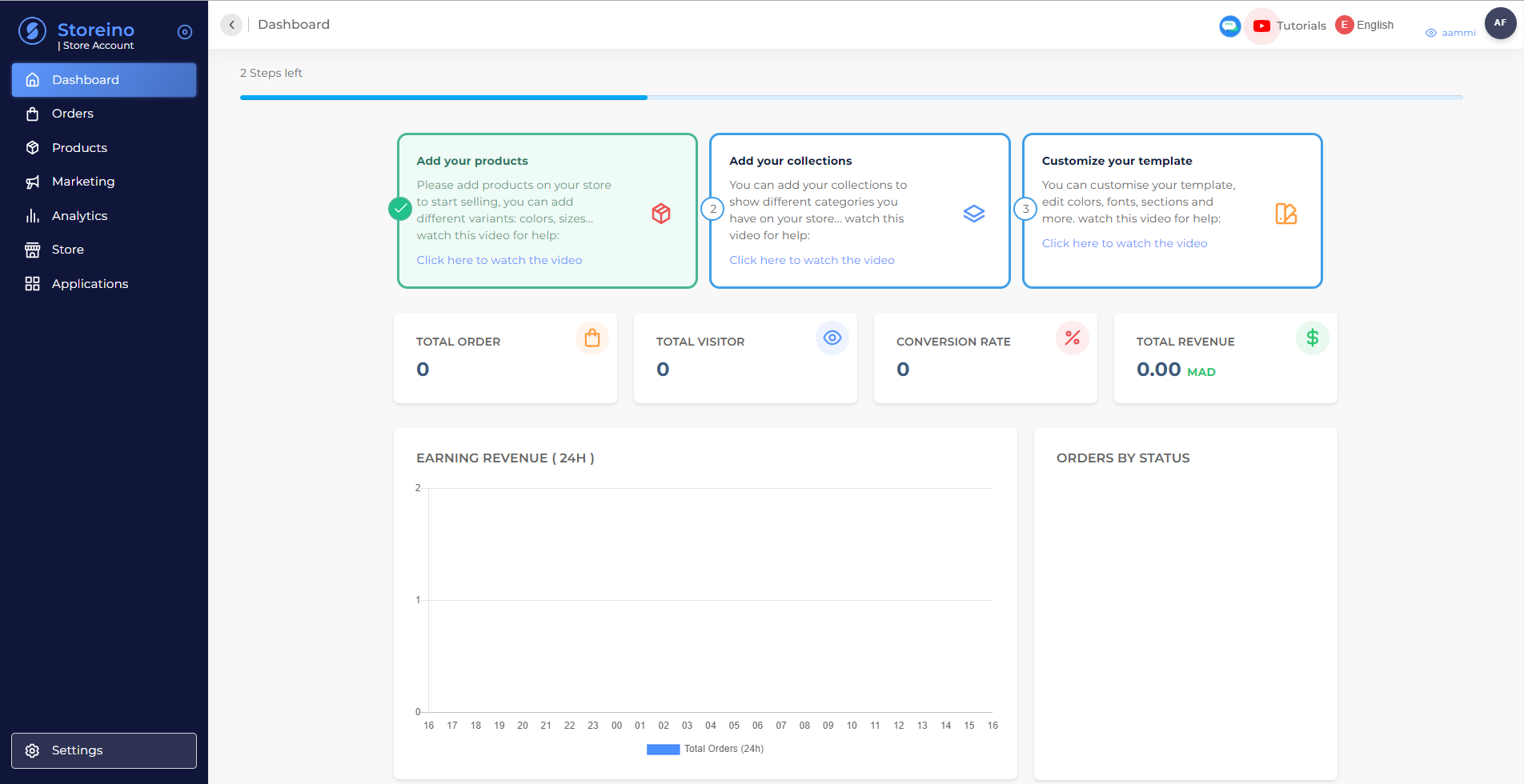
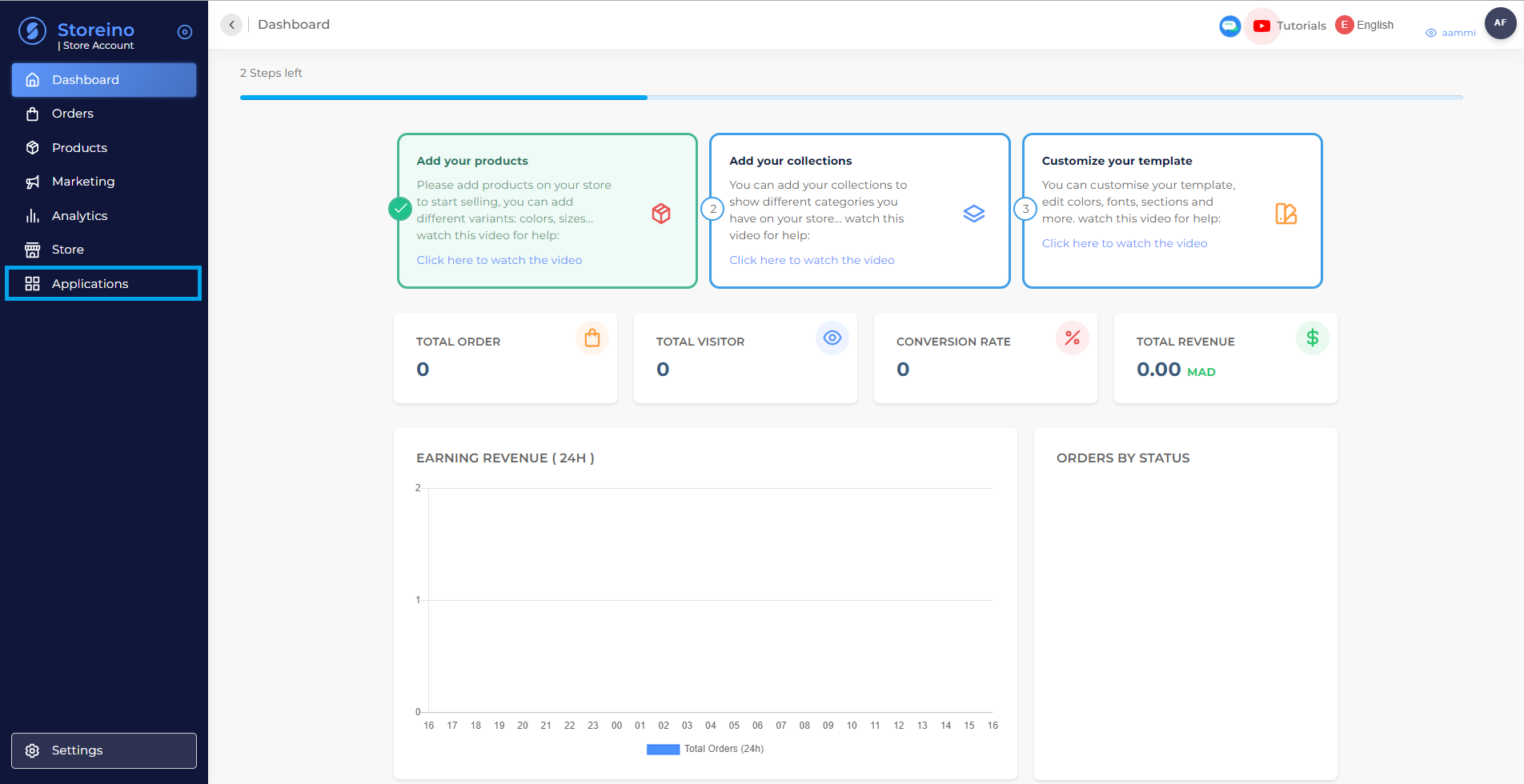
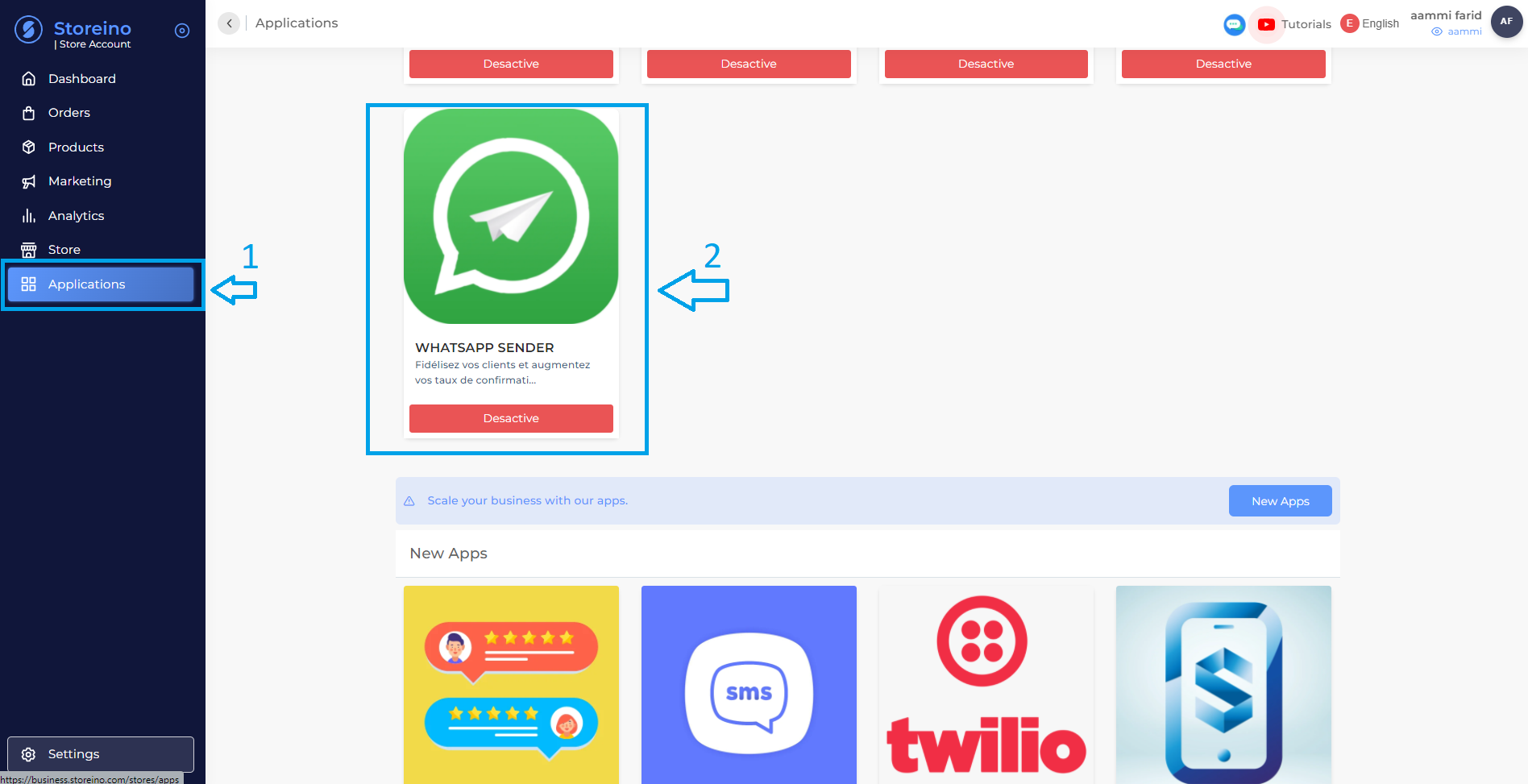
From the interface on the right, choose the word Apps.

Step: 2

From the interface on the right, choose the word Apps.

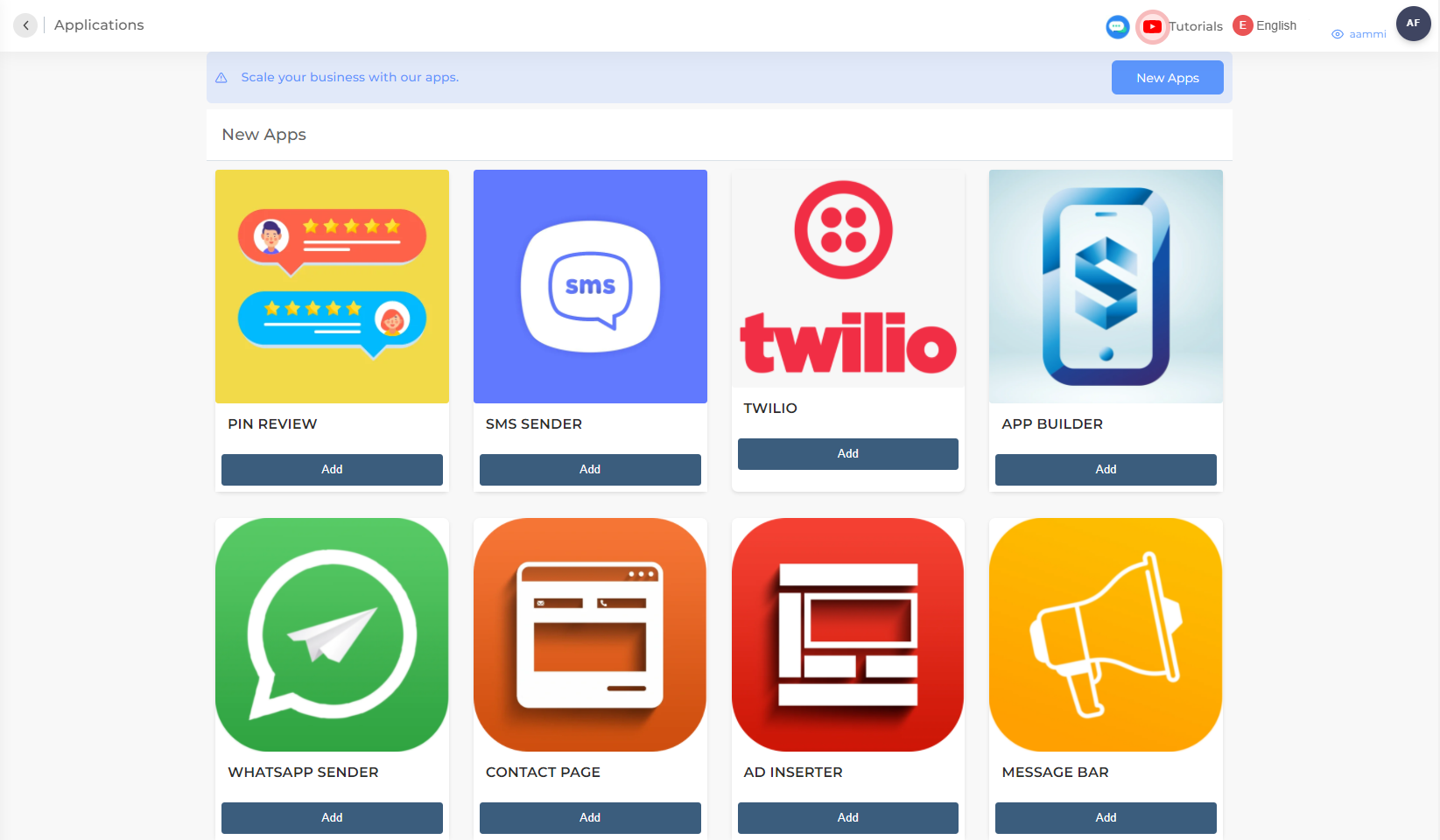
Then start searching for the WhatsApp app.

Step: 3

Then start searching for the WhatsApp app.

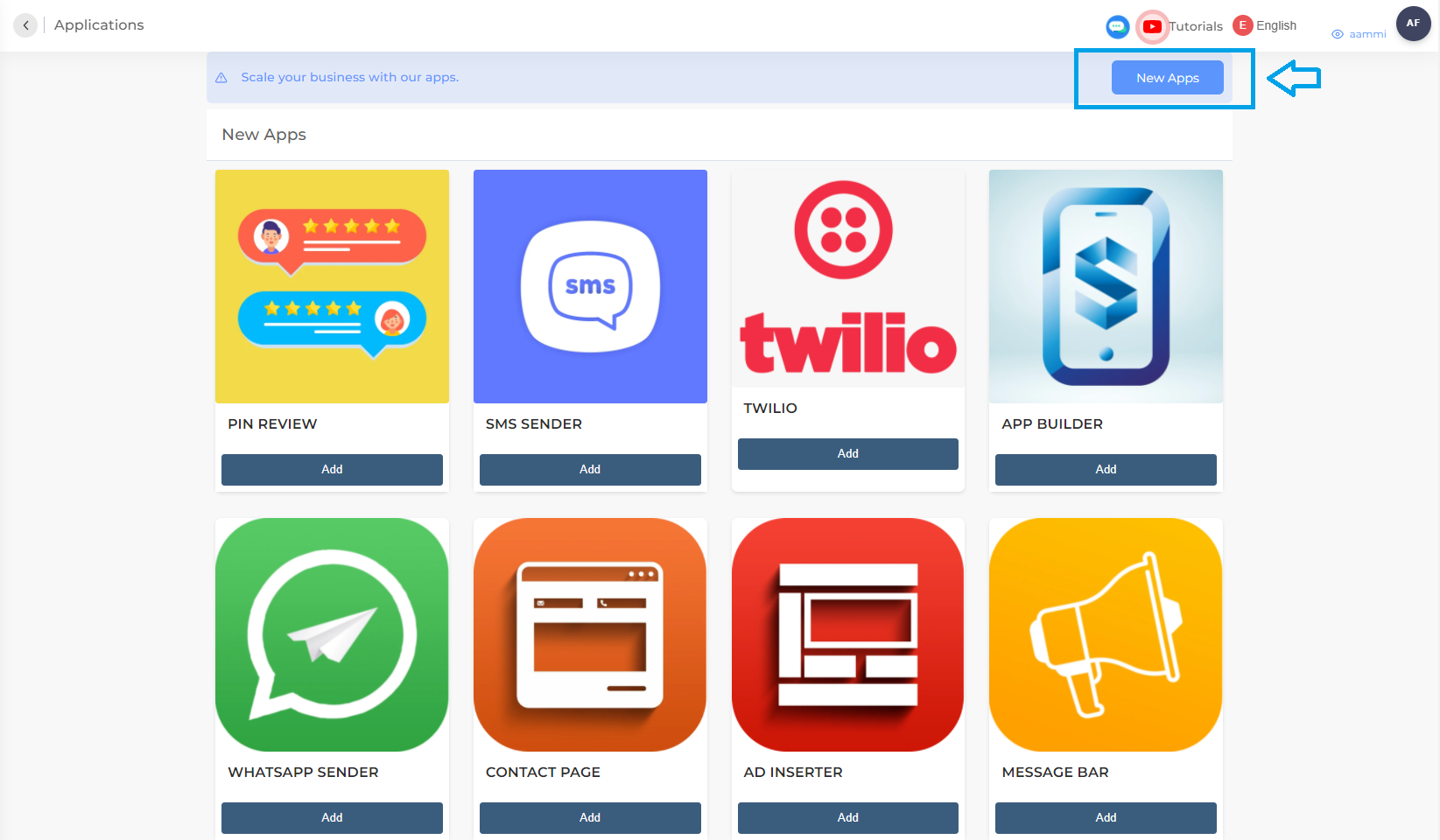
If you don't find it, all you need to do is click on New Apps.

Step: 4

If you don't find it, all you need to do is click on New Apps.

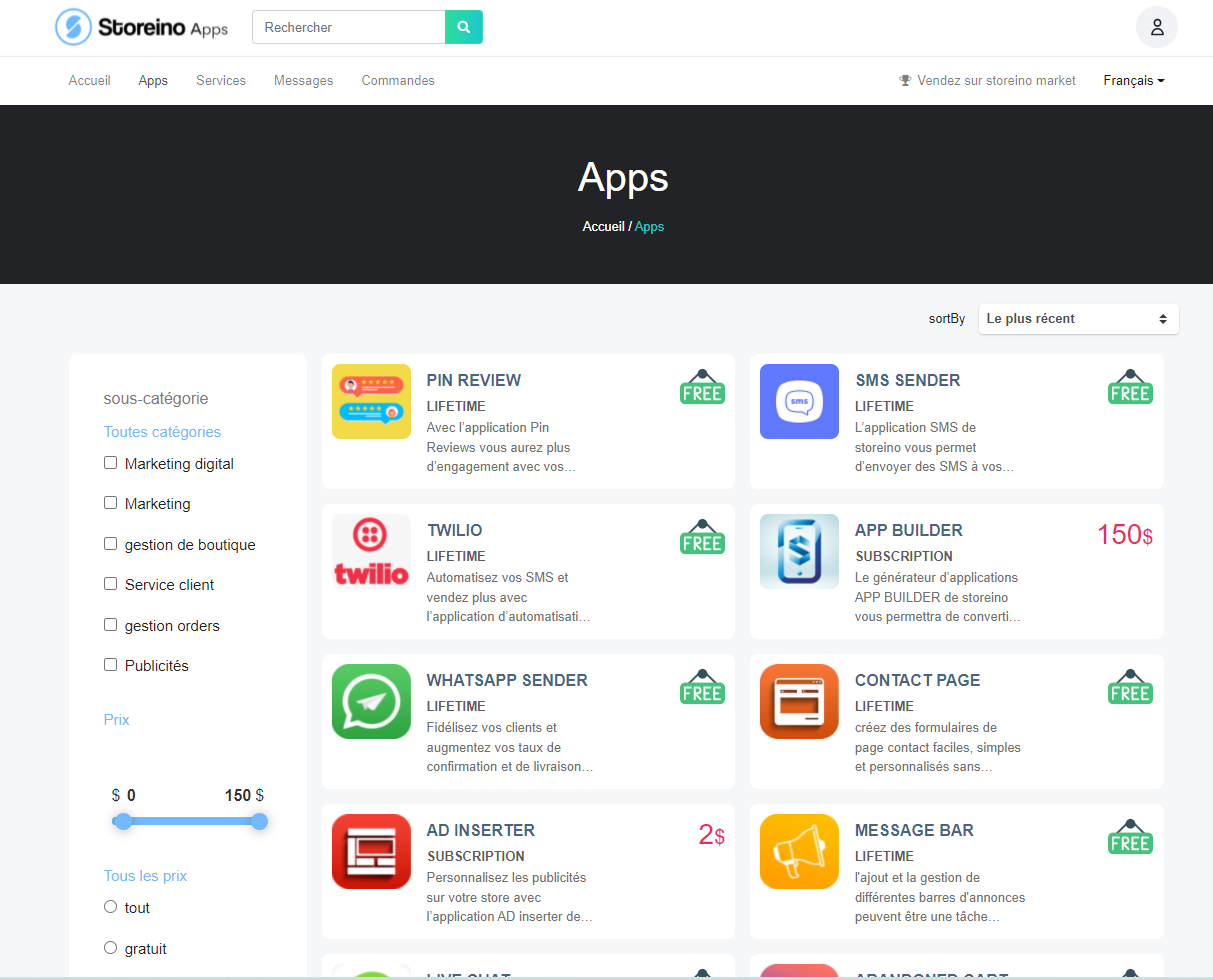
From there, search for the WhatsApp app — which, by the way, is free for life.

Step: 5

From there, search for the WhatsApp app — which, by the way, is free for life.

First, start by changing the language on the app's download page and click to download it, then log in to the Storeilo website.

Step: 6

First, start by changing the language on the app's download page and click to download it, then log in to the Storeilo website.

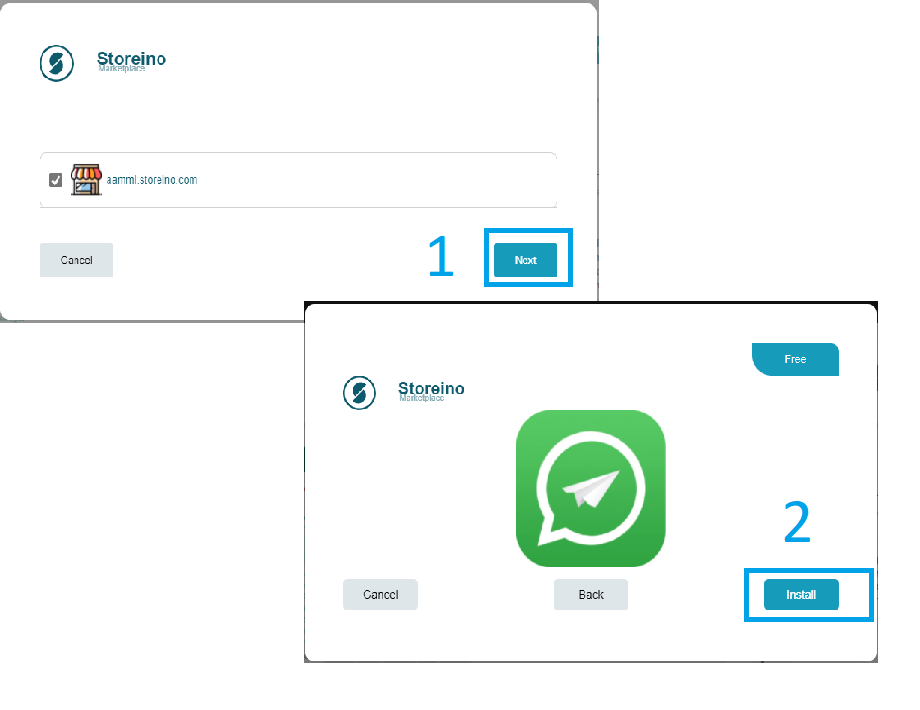
Click Next, then click Install.

Step: 7

Click Next, then click Install.

Go back once again and choose the word Apps, then click on the WhatsApp app.

Step: 8

Go back once again and choose the word Apps, then click on the WhatsApp app.

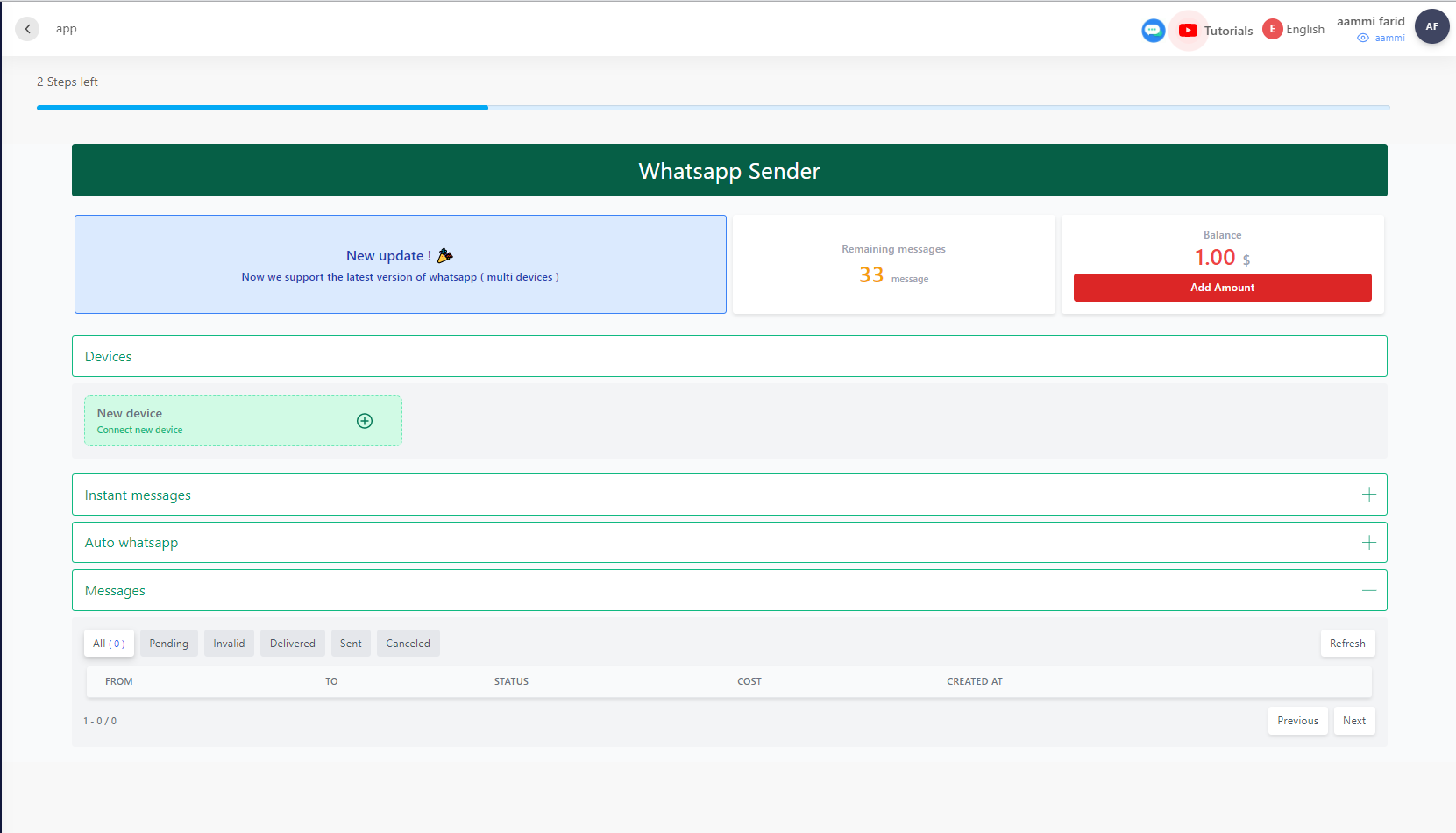
From within the WhatsApp settings.

Step: 9

From within the WhatsApp settings.

After the last step, start by connecting your WhatsApp account to the app — you can connect up to 10 accounts at the same time.

Step: 10

After the last step, start by connecting your WhatsApp account to the app — you can connect up to 10 accounts at the same time.

Next, at the bottom you will find three icons you can choose from, and you can also control the background and pick the colors.

Step: 11

Next, at the bottom you will find three icons you can choose from, and you can also control the background and pick the colors.

Then adjust the shape and size as you wish — you can increase or decrease the icon's size however you like, and you can preview the chosen design and pick an icon with a chosen text to match your preference.

Step: 12

Then adjust the shape and size as you wish — you can increase or decrease the icon's size however you like, and you can preview the chosen design and pick an icon with a chosen text to match your preference.

After that, you will start changing the text settings on the product page that will appear to you later on.

Step: 13

After that, you will start changing the text settings on the product page that will appear to you later on.

All you have to do is choose a specific product, so that when anyone clicks the WhatsApp button, the product name, product link, and price appear to them.

Step: 14

All you have to do is choose a specific product, so that when anyone clicks the WhatsApp button, the product name, product link, and price appear to them.

You will simply choose the text that will appear to you before the customer starts chatting with you on WhatsApp.

Step: 15

You will simply choose the text that will appear to you before the customer starts chatting with you on WhatsApp.

You can run a full preview once you finish configuring all the settings for this product.

Step: 16

You can run a full preview once you finish configuring all the settings for this product.

You can set up a default message from the start, and you can prepare it however you like.

Step: 17

You can set up a default message from the start, and you can prepare it however you like.

Mobile

Run your store.
From anywhere.

Full control of your store, wherever you are. Track your sales, manage your orders, and stay in touch with your customers effortlessly. Everything you need to run your business in a single app.

  • Real-time order alerts
  • Daily revenue at a glance
  • Manage stock on the go
  • Confirm orders in one tap
Order fulfilled Ships tomorrow, 10am
New order +$89.00 · 2 min ago
Storeino
Today's overview
Sales
$2,840
Orders
+47